
Write music from the keyboard
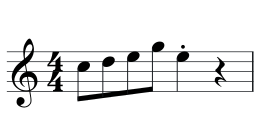
Note input is an overwrite mode with the barline as its guard: what you type always adds up to a legal measure. Note entry →
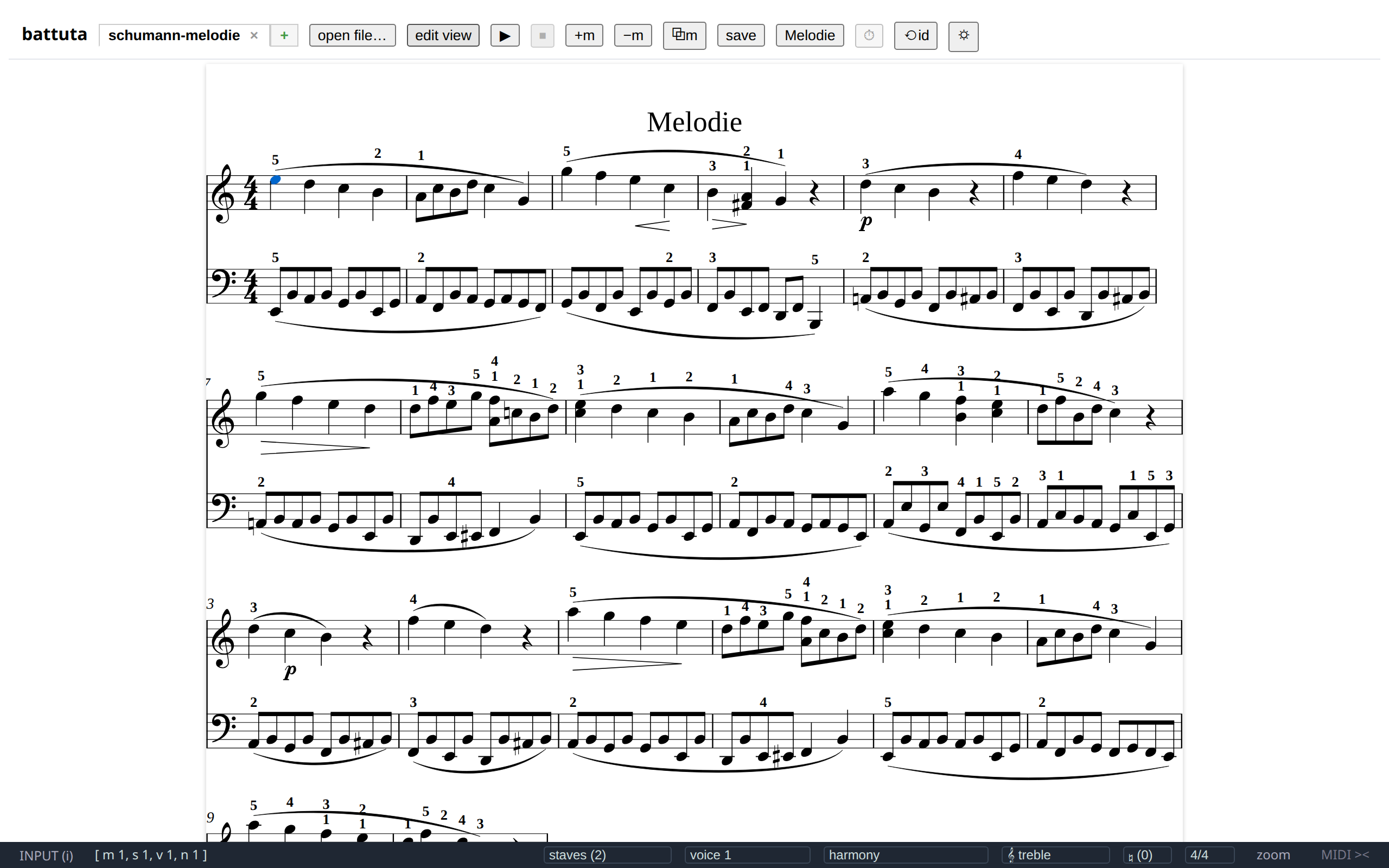
battuta opens an MEI file, shows it as engraved notation, and lets you move a caret through it. Arrow keys walk the notes. i starts typing music. ctrl + z takes any of it back — byte for byte, down to the last attribute of the file on disk.
It is not an engraver. Verovio draws every note, and the document you opened is the thing you are editing — not a picture of it.
Write music from the keyboard
Note input is an overwrite mode with the barline as its guard: what you type always adds up to a legal measure. Note entry →
Arrange in blocks
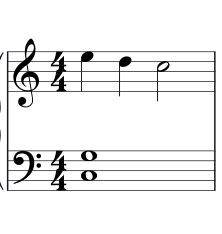
Select a rectangle of measures × staves, copy it, paste it into another staff — or another file. The duration checker vets every paste. Arranging →
Notate the form
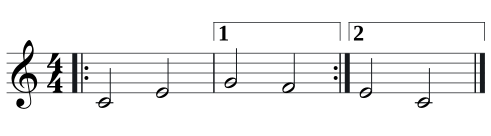
Repeats, voltas, segno and coda marks — and playback that actually takes the jumps you wrote. Repeats and form →
Hear the edit
Press play and the score plays with your ties held, your staccatos short and your repeats taken, highlighting the note that is sounding. Playback →
Check a take against the score

Load a recording and its pitch is traced over the notes — sharp, flat, early or late, measure by measure — with a playhead that follows the caret and plays the take or the written notes. Pitch reference →
Correct against the source
Load a score’s PDF with its OMR annotations and each measure’s scan stands above its tile — scan on top, rendering below — with the caret’s system in a strip that follows it. PDF reference →
Work through a folder
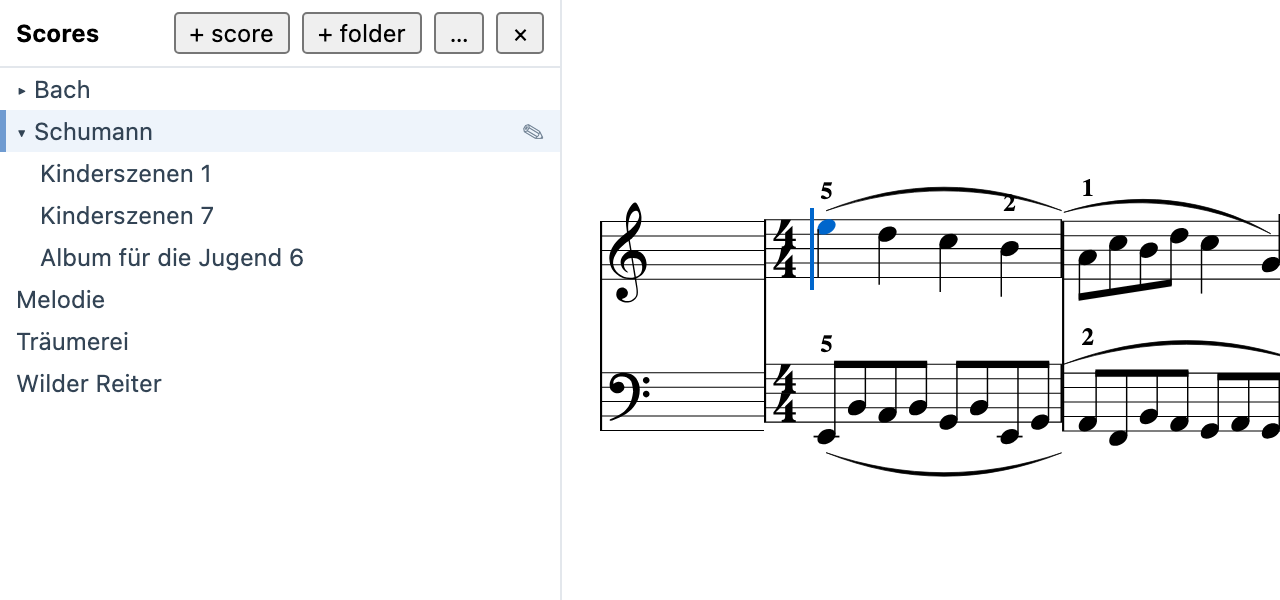
Open a folder of scores in a panel on the left and click your way through it; the list follows the disk, and a score that changes under you is announced at once. Folder view →