
Playback
Playback in battuta is a checking tool, not a performance engine. It answers two questions: did I write the notes I meant? and does the form I notated actually play that way?
The player
Section titled “The player”Switch to page view — the controls appear in the header’s second row, next to the score’s title and tempo.

| Control | Does |
|---|---|
| ▶ / ⏸ | Play or pause from the current position |
| ⏹ | Stop and clear the highlight |
| speed | 0.5×–2×, multiplying the score’s own tempo — applies live, and is remembered |
| progress bar | Click anywhere to seek; the readout shows elapsed / total at the chosen speed |
The score’s own tempo comes from the ♩= button beside the title: it sets
the MEI tempo (@midi.bpm), page view prints the marking, and playback runs at
it (120 bpm when unset). The speed select multiplies on top.
Playing through MIDI devices
Section titled “Playing through MIDI devices”Check MIDI in the player row and play sends note events to every connected MIDI output — a hardware synth, a DAW, the IAC bus — instead of sounding the built-in piano. What goes on the wire is notes only — note-on and note-off on channel 1, one velocity, and “all notes off” when it stops. battuta never sends a program change, so the instrument you hear is whatever your synth or DAW has on the track, or the channel-1 part, that receives it; and since every output receives the same notes, a DAW that listens to more than one of them plays each note more than once. It is the same performance: the expanded form, merged ties, articulation gates, tempo and speed all apply identically, and the notation highlight keeps following. The st select beside the checkbox transposes the MIDI sends by that many semitones (±12, applied live — handy for transposing instruments or octave-shifted patches); the built-in piano is never transposed, and the same offset applies to the playback-MIDI export. Pausing, seeking, changing the speed or stopping always releases everything first, so no note is ever left hanging on an external synth. If no output is connected, battuta says so and falls back to the piano.
In browsers this uses Web MIDI (Chromium); the desktop app talks to the system’s MIDI ports directly on every platform, and on macOS and Linux it also publishes a virtual source named “battuta” — so apps that listen to MIDI sources (the way battuta itself listens to your keyboard) hear the playback too, without exposing a port of their own. On a tablet it plays to the ports the tablet offers — Android through its WebView’s Web MIDI, the iPad through CoreMIDI, where battuta publishes its “battuta” source too.
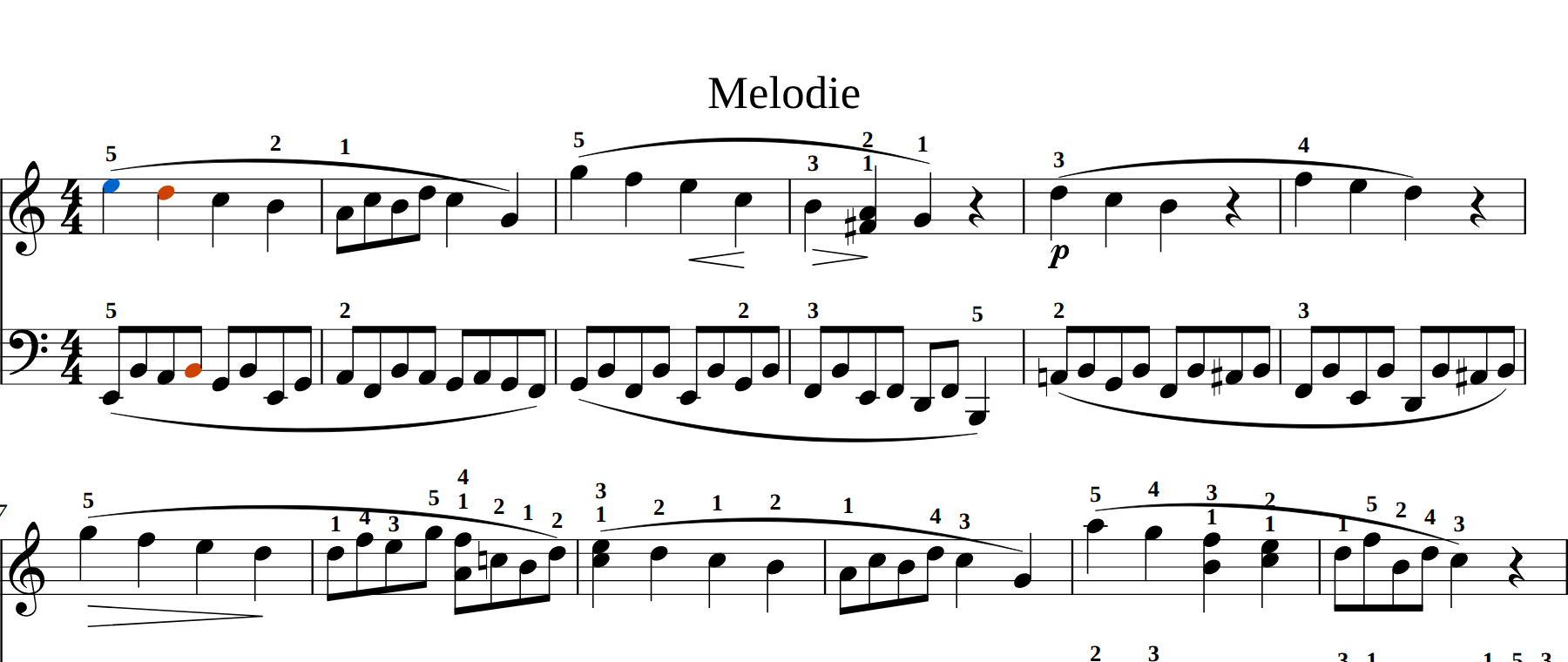
The note being sounded lights up as it plays, and the view scrolls when the playing measure leaves the window. Audio and highlight come from one timeline, so they cannot drift apart.
Sound is a sampled piano — a subset of the Salamander piano bundled inside the application. No network request, no CDN, nothing to configure.
What you hear reflects what you wrote
Section titled “What you hear reflects what you wrote”Playback reads the document, not just the pitches:
- Ties are held. A tie chain — including one that crosses barlines and one that spans repeated passes — sounds as a single attack for its full summed length.
- Articulations shape the release. Tenuto and notes under a slur or phrase mark sound their full value, staccato about half, staccatissimo about a third. An explicit articulation beats the slur it sits under.
- Unmarked notes detach slightly (about 90 % of their value), so legato is audible by contrast rather than being the default everywhere.
- Accidentals, key signatures and measure accidentals resolve to real sounding
pitch, as a reader of the page hears them: a note without an accidental takes
its key signature, unless an accidental written earlier in the measure — same
staff, same line or space — changed it, and a note tied over the barline keeps
the pitch it was tied from. battuta writes that sounding accidental into the
file (
@accid.ges— see sounding accidentals), so other MEI readers hear what you hear.
Repeats, voltas and jumps
Section titled “Repeats, voltas and jumps”The player takes the form: repeat barlines, volta sets, and one dal-segno or da-capo jump with fine and To Coda respected. Repeated passes highlight the notes you actually wrote, not copies of them.
The details of what is and isn’t followed are on Repeats and form.
Everything the player performs — the expanded form, merged ties, the articulation gates — can be written out as a file: export playback MIDI in the battuta menu. See Exporting.
Limits worth knowing
Section titled “Limits worth knowing”- Playback lives in page view only. Edit view has no player.
- There is no selection-range playback yet, no metronome, and no per-staff mute. The score tempo is a single ♩= for the whole piece — mid-score tempo changes are not performed yet.
- Dynamics and hairpins are notated but not yet performed as volume changes.